As part of our work trying to be compliant with the upcoming EU regulation: Cyber Resilience Act (CRA) - we are looking for a way to audit versions of our many running applications.
The current version is easy, but doesn’t give the audit trail.
I would be very keen to understand what I would need to do to audit for changes to unit/application workload changes for our models such as we can use juju to gain compliance with audit for workload changes.
Setting workload version writes a status document to the database, specifically for workload version, so we have a historical record.
One caveat is that setting the same version updates the timestamp rather than adding a new record, but we have the time-series data as it relates to changes.
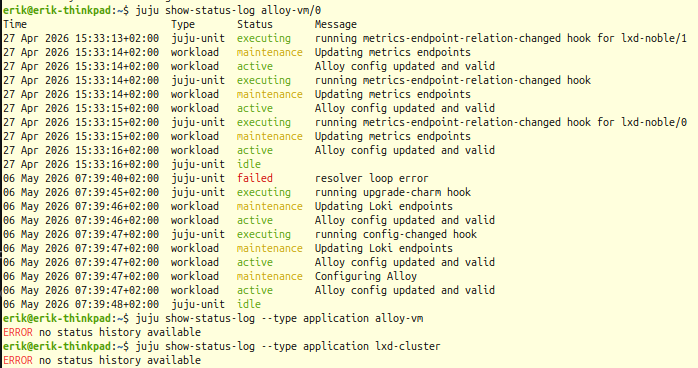
The CLI allows retrieval of status history specific to the workload via:
juju show-status-log --type workload <unit>
But that is not the workload version history; only the status history.
In summary, there’s no interface to see the version history data, but we do have it. Would happily triage a request for the ability to view it.
Note that in Juju 4, status history is no longer stored in the database, but emitted as structured logging.
Workload version history has been included in that form. Support for log shipping with Loki is close to completion, which would be the advised mechanism for such auditing.